
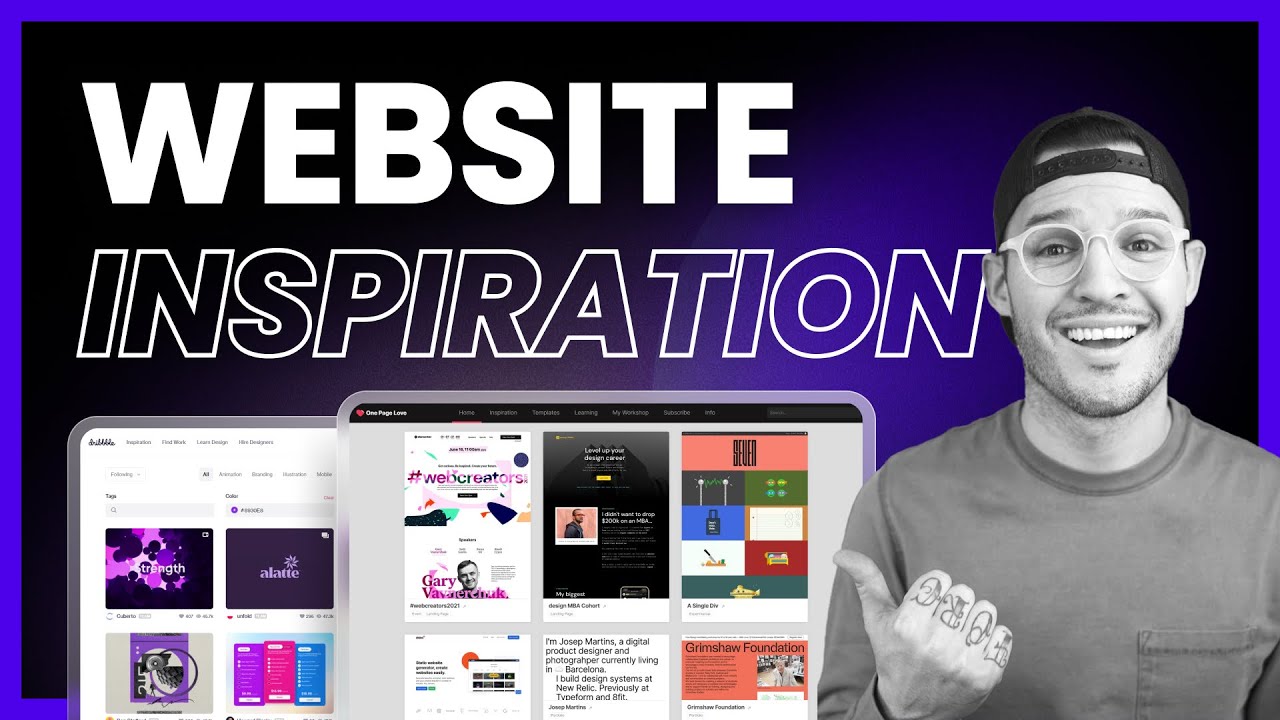
Dribbble: A Showcase for Digital Design
Dribbble is an online platform where designers share creative work, discover visual ideas and connect with others in the design industry. Best known for its collections of polished interface designs, illustrations and branding concepts, the website has become a popular destination for people working in digital and visual design.
What is Dribbble?
At its heart, Dribbble is a community and portfolio platform. Designers can publish images and short presentations of their work, build a profile and follow other creators. The work shared on the site covers areas such as web and app design, graphic design, illustration, animation, typography and product design.
Dribbble is often used to find inspiration. Visitors can browse designs by topic, style or format, making it easier to explore current approaches to a particular visual challenge. For designers, it offers a way to present selected projects and make their skills visible to a wider audience.
How designers use the website
A Dribbble profile can act as a visual introduction to a designer’s work. Creators choose which projects to publish and can add context to explain their process, the brief or the tools used. A carefully considered profile can help potential clients and employers understand a designer’s strengths at a glance.
The platform also supports professional discovery. Businesses can use Dribbble to explore portfolios and find designers for freelance assignments or permanent roles. Designers, in turn, can use the website to present their experience and look for opportunities. The precise tools and options available may change over time, so it is worth checking Dribbble’s website for its latest services.
Inspiration and community
One of Dribbble’s main attractions is the range of visual work available to browse. Seeing how other designers approach colour, layout, interaction and illustration can provide a useful starting point for new ideas. Following creators and engaging with their work can also help designers become part of a wider creative community.
Inspiration is most valuable when it informs original thinking rather than imitation. Designers should consider what makes a reference effective and adapt those lessons to the needs of their own project, audience and brand.
Benefits and things to consider
Dribbble can be useful for presenting visual work, researching design trends and discovering creative talent. Its image-led format makes it quick to browse, while public profiles can help creators build an online presence beyond their own website.
However, a striking image does not always show how a complete project works. A polished screen may reveal little about accessibility, usability, research or the decisions behind the design. Clients and employers should look for case studies and ask about the process, while designers may want to include links to fuller portfolio examples where appropriate.
As with any public portfolio service, creators should also think carefully about what they publish. Confidential client work, unreleased products and assets that they do not have permission to share should remain private.
Is Dribbble worth using?
Dribbble can be a valuable addition to a designer’s professional toolkit, particularly for those who want to share visual projects, find inspiration or increase their visibility. It works best as part of a broader portfolio strategy: a profile can attract attention, while detailed case studies, a personal website and clear explanations of a designer’s role provide a fuller picture.
Whether someone is looking for design ideas, exploring creative talent or showcasing their own work, Dribbble offers a focused space for visual discovery and connection.
8 Tips for Making the Most of Dribbble
- Browse shots for design inspiration.
- Follow designers whose work you admire.
- Use tags to find relevant projects.
- Save shots to revisit later.
- Share polished work in your portfolio.
- Add clear descriptions to your uploads.
- Give constructive feedback to other designers.
- Check job listings for creative opportunities.
Browse shots for design inspiration.
Browse shots on Dribbble to discover fresh ideas and see how designers approach colour, layout, typography and visual storytelling. Explore different styles and categories, save work that catches your eye, and use what you find as a starting point for your own original concepts—not something to copy.
Follow designers whose work you admire.
Follow designers whose work you admire to make your Dribbble feed more inspiring and relevant. You’ll see their latest projects, discover different approaches to design and pick up ideas for your own creative work. Take time to explore what makes each piece effective, and use those insights as a springboard for your own original ideas.
Use tags to find relevant projects.
Use tags to find projects that match your interests or brief. On Dribbble, searching for relevant terms—such as “mobile app”, “branding” or “illustration”—can help narrow down the work you see and uncover useful examples more quickly. Try a few related tags to explore different styles and approaches, and use the results as inspiration rather than copying another designer’s work.
Save shots to revisit later.
Save shots you like on Dribbble so you can revisit them whenever you need a little inspiration. Whether you’re collecting ideas for colour palettes, layouts or illustrations, saved shots make it easy to keep useful references together and return to them when you’re ready to start your next project.
Share polished work in your portfolio.
Share polished work in your Dribbble portfolio to make a strong first impression and show the quality of your design skills. Choose projects that reflect your strengths, present them clearly and include a brief explanation of the brief and your approach. A carefully curated portfolio helps potential clients and employers understand what you can do, while ensuring each piece feels considered, professional and true to your style.
Add clear descriptions to your uploads.
Add clear descriptions to your uploads so viewers can quickly understand what they’re looking at and the thinking behind the design. Briefly explain the project’s purpose, your role, the tools or techniques used, and any important details about the process. A thoughtful description gives context to your work, helps potential clients or employers assess your skills, and makes your Dribbble portfolio more useful and engaging.
Give constructive feedback to other designers.
Giving constructive feedback to other designers is a great way to support the Dribbble community and build positive professional relationships. Be specific, respectful and helpful: point out what is working well, then offer a clear suggestion or ask a thoughtful question about an area that could be improved. Focus on the design itself rather than the person, and explain your reasoning so your comments give the creator something practical to consider.
Check job listings for creative opportunities.
Explore Dribbble’s job listings to discover creative opportunities that match your skills and interests. You may find roles in areas such as graphic design, illustration, branding and digital product design, as well as freelance projects. Review each listing carefully, tailor your portfolio and application to the brief, and check the employer’s requirements before applying.
