
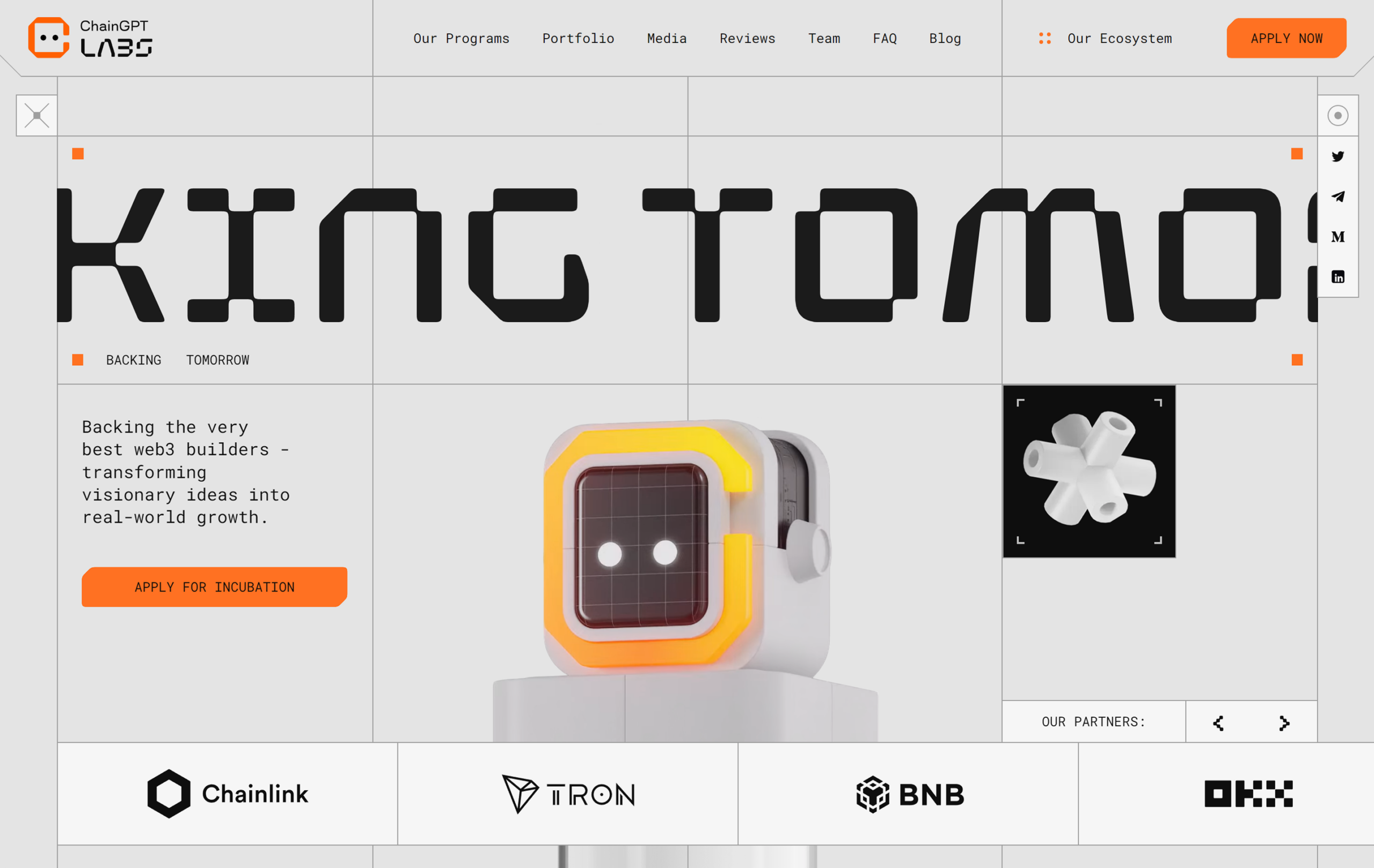
Web Homepage Design: How to Create a Strong First Impression
Your homepage is often the first page people see when they visit your website. In just a few seconds, visitors form an impression of your organisation and decide whether to explore further. Effective homepage design makes that first impression count: it helps people understand what you offer, find what they need and take the next step.
Start with a clear purpose
Before choosing colours, images or layouts, decide what your homepage needs to achieve. Is its main purpose to generate enquiries, showcase products, encourage bookings or help visitors find information? A clear purpose makes it easier to prioritise content and avoid filling the page with elements that compete for attention.
Consider who will use the website and what they are likely to be looking for. A homepage designed around visitors’ needs is more useful than one focused solely on what the organisation wants to say.
Make your message easy to understand
Visitors should be able to tell what you do and who you help without having to search for the answer. Use a concise headline to communicate your main offer, followed by a short supporting sentence that adds context. Avoid vague slogans and unnecessary jargon.
It should also be clear what visitors can do next. A prominent call to action, such as “Get a quote”, “Browse our services” or “Book an appointment”, gives people a helpful route forward. Choose wording that describes the action and make sure the button stands out from surrounding content.
Build a simple, intuitive layout
A well-organised layout helps visitors scan the page and find relevant information quickly. Put the most important content near the top, then arrange supporting details in a logical order. Useful homepage sections might include an introduction, key services or products, customer benefits, testimonials and contact information.
Keep navigation clear and familiar. Use concise labels, group related pages together and avoid offering so many choices that visitors are unsure where to go. A consistent menu across the website helps people move around with confidence.
Design for mobile as well as desktop
People visit websites on a range of devices, so a homepage should work well on mobiles, tablets and desktop computers. Responsive design allows the layout to adapt to different screen sizes. On smaller screens, make sure text remains readable, buttons are easy to tap and important information is not buried beneath excessive content.
Test the homepage on real devices where possible. A page that looks balanced on a large monitor may feel crowded on a phone, particularly if images, forms or navigation have not been considered at smaller sizes.
Use images with care
High-quality photography and graphics can help communicate your brand and make a homepage more engaging. Choose images that are relevant to your content and audience rather than using visuals simply to fill space. Inconsistent or generic imagery can weaken the overall impression.
Large image files can slow a page down, so optimise images before adding them to the website. Also provide meaningful alternative text for images that convey useful information, helping people who use screen readers understand their content.
Pay attention to accessibility
Accessible design makes a website easier to use for as many people as possible. Use clear headings, sufficient colour contrast and descriptive link text. Ensure the site can be navigated using a keyboard, and do not rely on colour alone to communicate important information.
Accessibility should be considered from the beginning of the design process rather than added as a last-minute adjustment. It benefits visitors with different needs and often improves usability for everyone.
Keep performance in mind
A slow homepage can frustrate visitors and make it more likely they will leave before the page has loaded. Compress images, limit unnecessary animations and review third-party tools that may affect performance. A fast, stable page supports a better experience, particularly for people using slower connections or older devices.
Build trust through useful content
Clear contact details, genuine customer reviews, relevant credentials and a straightforward explanation of your services can help visitors feel more confident. Include only information that is accurate and useful, and keep it up to date. Trust is built through consistency as well as appearance.
Test and improve your homepage
Homepage design is not a one-off task. Use website analytics, feedback and usability testing to understand how people interact with the page. Are visitors clicking the main call to action? Can they find key information? Do they leave before the page finishes loading?
Small changes can make a noticeable difference. Try improving a headline, simplifying navigation or changing the position of a button, then review the results. Make decisions based on evidence rather than assumptions.
A homepage that works for its visitors
The best homepage design balances visual appeal with clarity, accessibility and performance. By understanding your audience, communicating your offer clearly and making the next step easy to find, you can create a homepage that welcomes visitors and supports your website’s wider goals.
9 Essential Tips for Effective Web Homepage Design
- Make the main purpose clear at a glance.
- Put the most important content above the fold.
- Use a simple, easy-to-scan layout.
- Write concise, useful headings.
- Make navigation clear and predictable.
- Ensure text has strong colour contrast.
- Design for mobile screens first.
- Use fast-loading, optimised images.
- Give each page a clear next step.
Make the main purpose clear at a glance.
Make the main purpose of your website clear at a glance, so visitors can quickly understand what you offer and whether they’re in the right place. Use a concise headline, supported by a short explanation, and give the most important action—such as making an enquiry, booking a service or browsing products—clear prominence. Avoid competing messages and unnecessary detail, which can make it harder for people to know what to do next.
Put the most important content above the fold.
Put your most important content above the fold—the part of the homepage visitors can see before scrolling. Use this space to explain clearly what you offer, who it is for and what visitors can do next. A concise headline, brief supporting text and a prominent call to action can help people understand your value straight away. As screen sizes vary, prioritise the essentials rather than trying to squeeze everything into the first view.
Use a simple, easy-to-scan layout.
Use a simple, easy-to-scan layout so visitors can find what they need without feeling overwhelmed. Organise content into clear sections, use descriptive headings and keep paragraphs concise. Give the most important information and call to action a prominent position, while leaving enough space between elements to make the page feel uncluttered. A clear visual hierarchy helps visitors understand your message at a glance and navigate the homepage with confidence.
Write concise, useful headings.
Write concise, useful headings to help visitors scan your homepage and find the information they need. Each heading should clearly describe the content that follows, using familiar language rather than vague slogans or jargon. Keep headings brief, make them specific and organise them in a logical order so visitors can understand your page at a glance.
Make navigation clear and predictable.
Make navigation clear and predictable so visitors can find what they need without having to guess. Use familiar labels, group related pages logically and keep the main menu consistent across your website. On mobile, make sure the menu is easy to open and use. A straightforward navigation system helps people move around with confidence and keeps the focus on your content.
Ensure text has strong colour contrast.
Ensure text has strong colour contrast so visitors can read it comfortably against the background. Choose colours that are clearly different in brightness, rather than relying on subtle shades, and check contrast for body text, headings, buttons and links. Good contrast improves readability for everyone, including people with low vision or colour vision deficiencies, and helps make your homepage more accessible.
Design for mobile screens first.
Design for mobile screens first to make sure your homepage works well on the devices many visitors use every day. Start with the essentials: clear, readable text, simple navigation, fast-loading images and buttons that are easy to tap. Then adapt the layout for larger screens, adding space and detail where they improve the experience. This mobile-first approach helps keep your content focused and makes your website easier to use across all devices.
Use fast-loading, optimised images.
Use fast-loading, optimised images to keep your homepage responsive and enjoyable to use. Large image files can slow page loading, particularly on mobile devices or slower internet connections, which may cause visitors to leave before the content appears. Resize images to suit their display dimensions, compress them to reduce file size and choose efficient formats such as WebP where supported. Aim to preserve visual quality while ensuring images load quickly.
Give each page a clear next step.
Give each page a clear next step so visitors know what to do after reading. Whether you want them to make an enquiry, browse your services, book an appointment or download a guide, use a clear, action-focused call to action. Make it easy to spot, explain what will happen when it’s clicked and ensure it leads to a relevant page or form. Avoid offering too many competing options, which can leave visitors unsure where to go next.
