
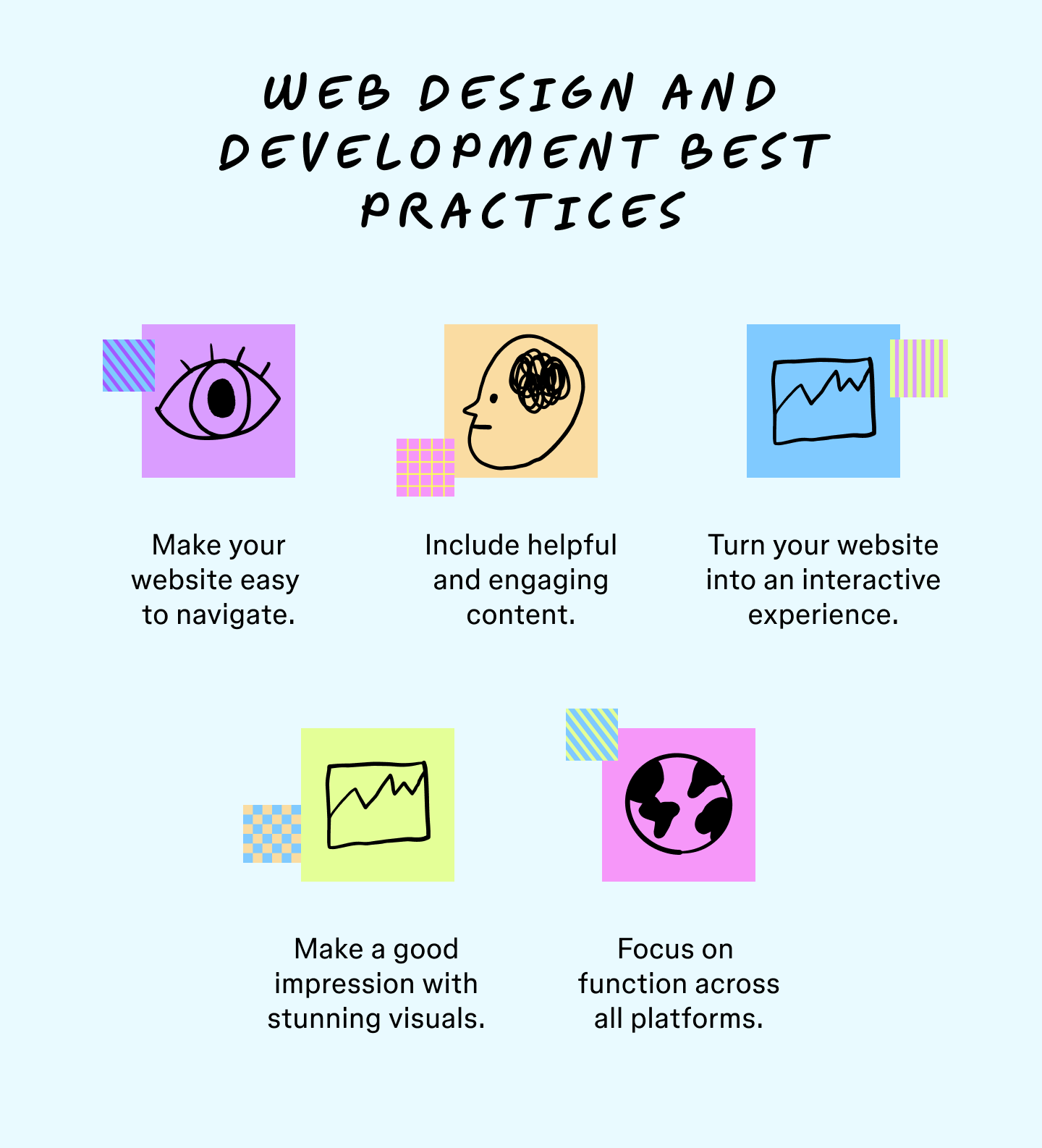
Web Design and Content: Creating a Website That Works
A successful website is more than an attractive collection of pages. Its design should make information easy to find, while its content should help visitors understand what a business offers and what to do next. When design and content work together, a website can make a strong first impression and provide a useful experience for every visitor.
Why content matters in web design
Content gives a website its purpose. It explains products and services, answers common questions and helps visitors decide whether a business is right for them. Even the most polished design can feel empty if the information is unclear, out of date or difficult to navigate.
Good website content is written for real people. It uses straightforward language, focuses on visitors’ needs and makes important information easy to understand. Clear content can also support search engine visibility by helping search engines identify what each page is about.
How design supports content
Web design shapes the way people experience content. Page layout, typography, colour, spacing and images can guide attention and make information easier to read. A well-designed page gives each section room to breathe and helps visitors quickly find the details they need.
For example, headings can break a long page into manageable sections, while buttons can make the next step clear. On mobile devices, responsive design ensures that text, images and navigation adapt to smaller screens without making the page difficult to use.
Plan the content before designing the page
It is tempting to start with colours and layouts, but planning the content early can lead to better design decisions. Knowing what a page needs to communicate helps determine its structure, the space required for text and the kinds of images or features that will be useful.
Before a page is designed, consider:
- Who the page is for
- What visitors need to know
- What action visitors should take
- Which information is most important
- How the page will work on mobile devices
Write for clarity and readability
People often scan web pages rather than reading every word. Make content easier to scan by using descriptive headings, short paragraphs and lists where appropriate. Put the most important information near the top of the page, and use plain English wherever possible.
Each page should have a clear purpose. A service page, for instance, should explain what the service involves, who it is for and how to enquire. Avoid adding unnecessary text simply to fill space; every section should help the visitor or support the page’s goal.
Use images with purpose
Images can make a website more engaging and help explain an idea, but they should support the content rather than distract from it. Choose relevant, high-quality images and make sure they display well on different screen sizes. Compressing image files can also help pages load more quickly.
Provide alternative text for meaningful images so that people using screen readers can understand their purpose. Decorative images can usually be marked so assistive technologies ignore them.
Make accessibility part of the process
Accessible web design helps more people use a website. Content should have a logical heading structure, links should describe where they lead, and text should be readable against its background. Forms need clear labels, and key information should not be communicated through colour alone.
Accessibility benefits visitors with different needs, including people who use assistive technology, navigate by keyboard or view a website on a small screen. It can also make a site easier for everyone to use.
Keep website content up to date
A website is not a one-off project. Business details, services, prices and opening hours can change, so content should be reviewed regularly. Remove outdated information, check links and make sure calls to action still work. A simple content review schedule can help keep the website accurate and useful.
Bringing design and content together
The best web design supports the message, and the best content makes the design meaningful. By planning both together, businesses can create websites that are attractive, easy to navigate and focused on visitors’ needs. The result is a clearer online experience that helps people find information and take the next step with confidence.
9 Tips for Clear, Accessible Web Content
- Write clear, concise headlines.
- Put the most important information first.
- Use plain English and short paragraphs.
- Break up text with helpful subheadings.
- Choose images that support your message.
- Add descriptive alt text to images.
- Use clear, consistent calls to action.
- Make links meaningful and easy to spot.
- Review content on mobile screens.
Write clear, concise headlines.
Clear, concise headlines help visitors understand a page at a glance and decide whether to keep reading. Use simple, specific language that reflects the content beneath each heading, and put the most important words first. Avoid jargon, vague phrases and unnecessary detail. Well-structured headlines also make pages easier to scan and can improve accessibility for people using screen readers.
Put the most important information first.
Put the most important information first so visitors can quickly understand what your page is about and whether it meets their needs. Lead with the key message, benefit or action, then add supporting details further down. This approach makes content easier to scan, especially on mobile, and helps people find what they came for without having to read every word.
Use plain English and short paragraphs.
Use plain English to make your website easy for everyone to understand. Choose familiar words, keep sentences focused and explain any specialist terms. Break longer sections into short paragraphs, so visitors can scan the page and find the information they need—especially on mobile.
Break up text with helpful subheadings.
Break up longer sections of web copy with clear, helpful subheadings. They make a page easier to scan, help visitors find the information they need and give each section a clear focus. Use concise, descriptive wording that tells readers what to expect, and organise headings in a logical order so the page is easier to follow on both desktop and mobile.
Choose images that support your message.
Choose images that support your message and help visitors understand what your business offers. Relevant, high-quality visuals can add interest, reinforce your brand and make complex ideas easier to grasp, while unrelated or overly decorative images may distract from the content. Make sure images display well on different screen sizes, load quickly and include suitable alternative text so the page remains accessible.
Add descriptive alt text to images.
Add descriptive alt text to images so people using screen readers can understand what each meaningful image shows and why it matters. Keep descriptions concise and specific to the page, rather than listing every visual detail. If an image is purely decorative and adds no useful information, use empty alt text so assistive technology can skip it. This small detail makes your website more accessible and can also help search engines understand your images.
Use clear, consistent calls to action.
Use clear, consistent calls to action so visitors know what to do next. Choose concise, specific wording such as “Request a quote” or “Book a consultation”, and use it consistently wherever the same action is offered. Make buttons easy to spot, ensure their labels accurately describe what happens when clicked, and place them where they are relevant to the content. This helps people navigate your website with confidence and makes it easier for them to take the next step.
Make links meaningful and easy to spot.
Make links meaningful and easy to spot so visitors can quickly understand where they lead and how to find more information. Use descriptive link text, such as “view our web design services”, instead of vague phrases like “click here”. Give links a clear visual style, such as a contrasting colour or underline, and keep that style consistent across the website. This makes pages easier to scan and helps people using keyboards or assistive technology navigate with confidence.
Review content on mobile screens.
Reviewing content on mobile screens helps ensure your website is easy to read and use on smaller devices. Check that headings and paragraphs are clear, images fit the screen, buttons are easy to tap and important information is not hidden or pushed too far down the page. A mobile review can also reveal awkward line breaks, crowded layouts or navigation that is difficult to use, giving you the chance to make the experience smoother for visitors.
